Series: Start here · Part 1
Write your first post
A post is one Markdown file in pages/posts/ with a few lines of frontmatter. This one uses every key the theme reads.
Your desk
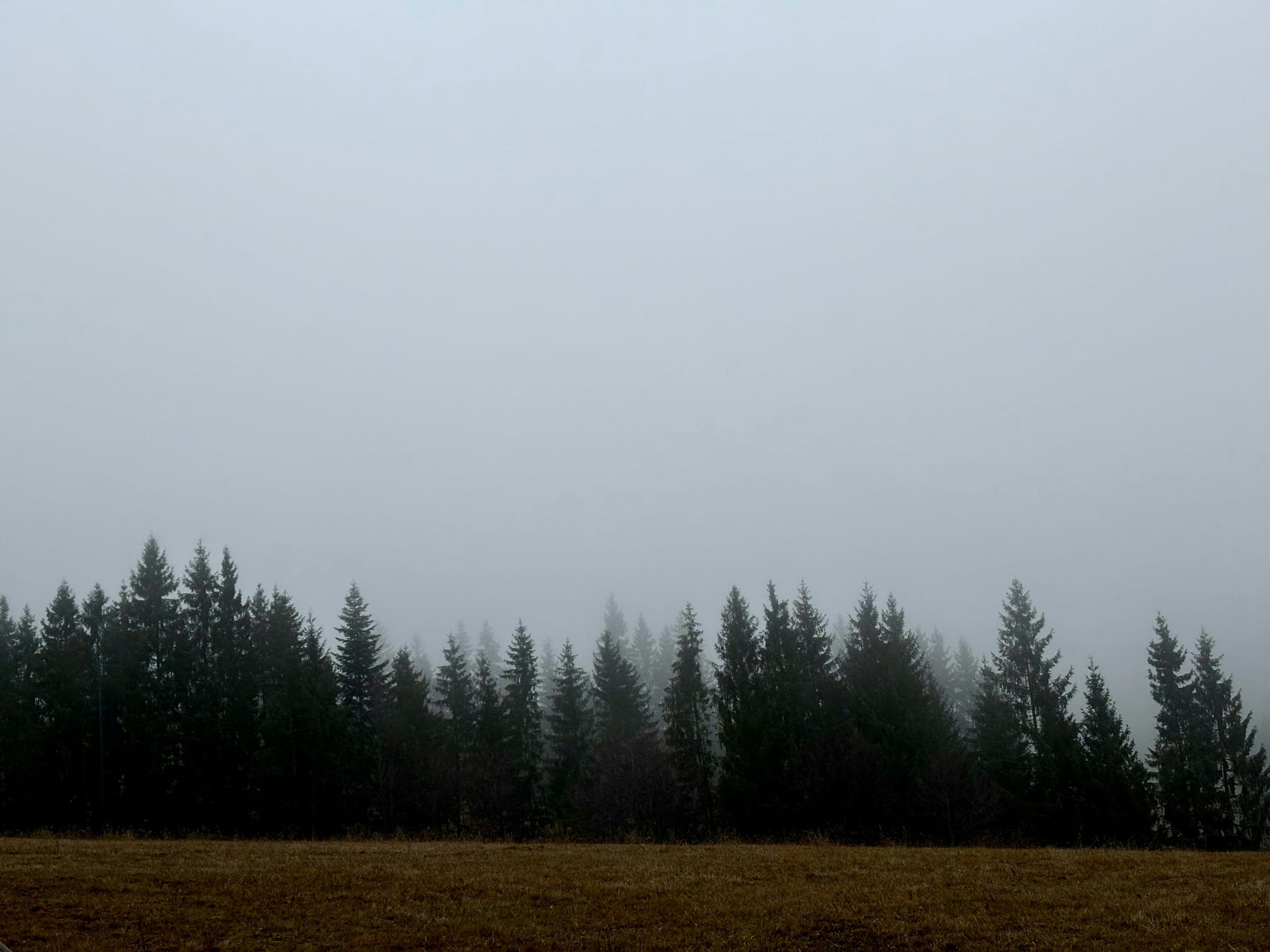
35 mm, f/8, 1/60 s, ISO 400
One file per post
Every post is a Markdown file in pages/posts/. The file name becomes the
address: hello.md is published as /posts/hello.html. Copy this one to
start:
---
layout: pages/post.pug
title: Hello
description: The first post on my blog.
date: 2026-10-01
tags: [News]
is_post: true
---

## A heading

Start the text at `##`: the title above is the page's only first-level
heading.
The frontmatter
The frontmatter of this post sets every key the theme reads:
layout: pages/post.pugmakes the page a post: it is listed on the home page, in the archive, in the feed and in the search.dateorders the posts. Always set it: a file's own date changes whenever the file is copied.updatedadds "Updated" to the author line.descriptionis the text on the home's hero and on a card without a picture, and the summary in the feed;leadis the larger line under the title.imageandimage_altgive the post its picture: behind the title, on its card and in the archive. The newest post with a picture is the hero of the home page. Put the file intheme/assets/images/; the alt text says what the picture shows. A query such as?ratio=4:3&focus=50,38after the file name crops it (seeconfig/images.yaml).locationis the place under the title, andimage_noteone line of exposure data under it.tagslinks the post to a tag page per tag, such as Writing. The home's strip shows the newest six posts with the tag named inblog.highlight_taginconfig/theme.yaml.seriesandseries_partjoin posts into a series: the line above the title and the list of parts under the post. The home page shows the series named inblog.featured_seriesinconfig/theme.yaml.factsis a row of up to four large figures after the text, each alabeland avalue.is_post: truemarks the post for search engines: it gets aBlogPostingin the structured data of its page.
The author line reads author.name in config/theme.yaml; a post that sets
author names someone else.
Pictures
Put the original in theme/assets/images/, as large as you have it: the
build makes smaller AVIF and WebP copies for every screen and leaves the
original, with its camera and location data, out of public/. The first
build after a new picture takes a while; later builds reuse the copies in
.nera-cache/.
Preview and build
Run nera dev to see the post while you write, and nera build --check to
build the blog into public/ and check every page. Delete this post once
your own first one is out.
- Files
- 1
- Minutes
- 5